
Professional food labels in minutes
No more wrestling with labels. Create, design and print compliant food labels for your shop — fast, simple and professional.
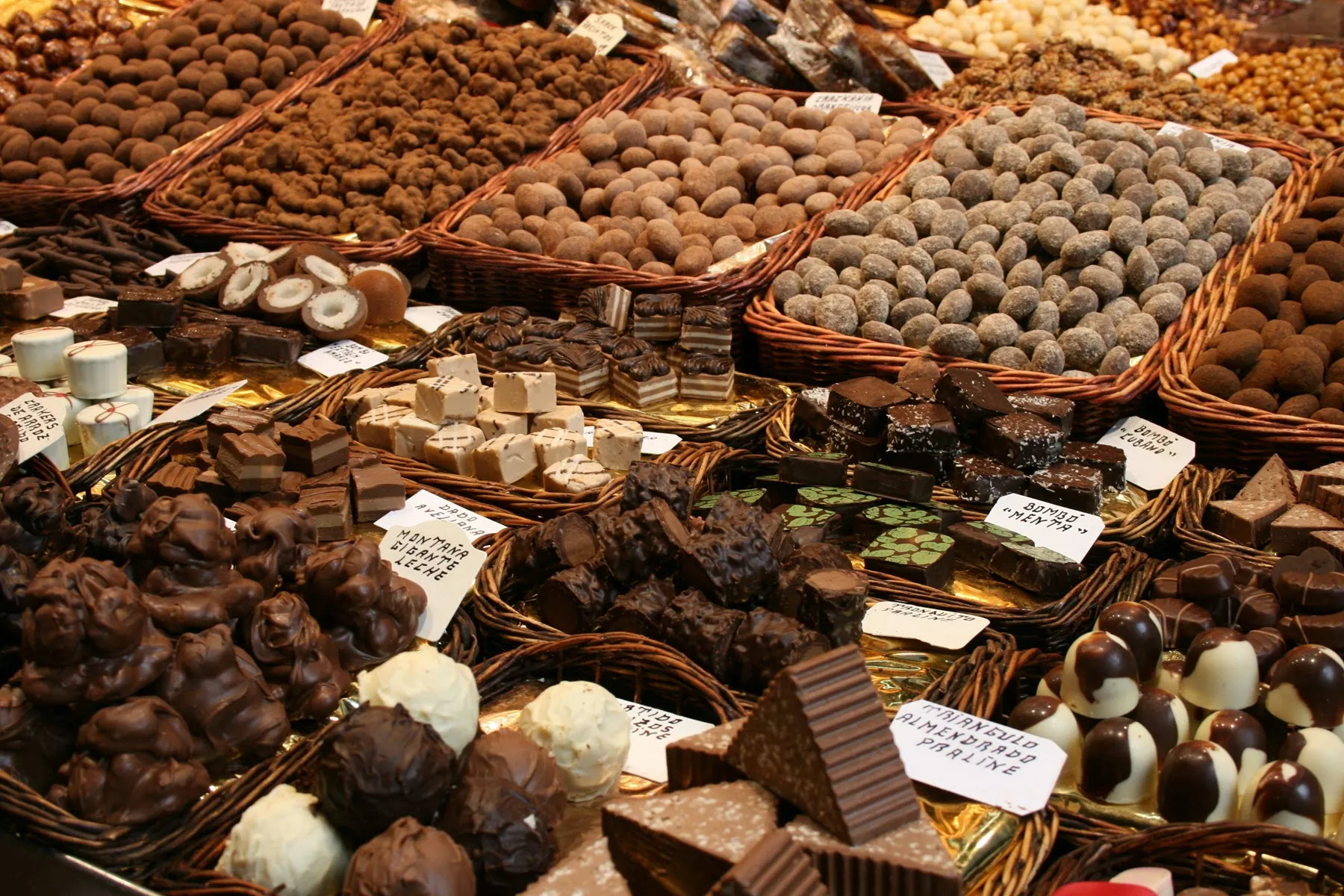
Photo by Salah Ait Mokhtar on Unsplash
Everything you need for perfect food labels
Save time, stay compliant and impress your customers with professional labels
Small batches, your own labels
Making 30 boxes for a wedding, a Christmas collection or a special order for a single customer? Add the product and print exactly as many labels as you need — no minimum run, no print shop, no waiting. Next week you can make something completely different.
Built for confectionery
Build a product library with ingredients, allergens and nutritional values — reuse it straight away on new labels.
Compliant by default
Meeting the Swedish Food Agency and EU requirements is straightforward with Pintera Nova label printing.
Print straight away
Use the printer you already have — a Brother, Zebra or Epson label printer, or an ordinary printer with A4 label sheets.
Works on every platform
Runs on your iPad or Android tablet, Windows or Mac — all through the browser.
Batch printing
Create labels for the whole range at once. Save hours when ingredients or nutritional values change.
Your data stays with you
Images are stored locally on an ordinary computer on site. Your data stays yours.
What is Pintera Nova Labels?
In short: what the software actually does
Pintera Nova Labels is label software for food producers. You build your own product register — chocolate pralines, truffles, pastries, jam, charcuterie or whatever you make — and print finished food labels straight to the label printer in the shop or the production kitchen.
For each product you enter the name, description, EAN code, an ingredient list with allergens flagged, and nutritional values. Ingredients live in a shared library, so one change takes effect across every product that uses them. This is the same information the EU Food Information Regulation (1169/2011) and Swedish Food Agency rules require a prepacked product to carry — except you enter it once instead of on every new label.
When it's time to label, you add the products to the cart, set the quantity and press Print. The software assembles the labels and sends them to the printer — a single product or the entire range in one batch. If you sell for export, the same product can carry label text in several languages.
Everything runs on a small server of your own, a mini PC or another computer on site. You reach it from any device on the network through the browser — iPad, Android tablet, Windows or Mac — without installing anything on each device, and the product data stays with you.
It's this simple
From start to finished label in just a few minutes
Download the app
Download and install the app on a small Windows PC in the shop or workplace. It starts automatically and keeps running in the background.
Add your products
Open the app in a browser on an iPad or computer. Build up products, ingredients and nutritional values in your own library.
Print the label
Add products to the cart and press Print. The label printer starts, and you are done within seconds.
Choose the plan that fits
Every plan includes a 30-day free trial — no card needed to get started
Starter
Perfect if you are just getting started
per month and site, excl. VAT
- Up to 100 products
- Automatic allergen flagging
- Web-based app on all your devices
- Label printout
- PDF printout
- Email support
- Updates
Professional
For growing shops
per month and site, excl. VAT
- Everything in Starter
- Unlimited products
- Share products between sites
- Support for Avery labels and more
- Email print to client
- Embed products on your web site
- Priority support
Enterprise
For larger operations
per month, excl. VAT
- Everything in Professional
- Up to 5 sites
- Dedicated support
- Optional API integration with PoS systems*
- Optional tailored solutions*
No lock-in — cancel your subscription whenever you like.
* These services are charged separately — ask us for a quote.